KezelTV setup and login: from WhatsApp to a live channel
KezelTV has no app or APK. Instead, a username, a password, a server URL and an M3U link arrive in your WhatsApp chat, ready to paste into a free player like IPTV Smarters Pro or TiviMate. Choose your screen below; most people are on a live channel within ten minutes, with the program guide filled in.
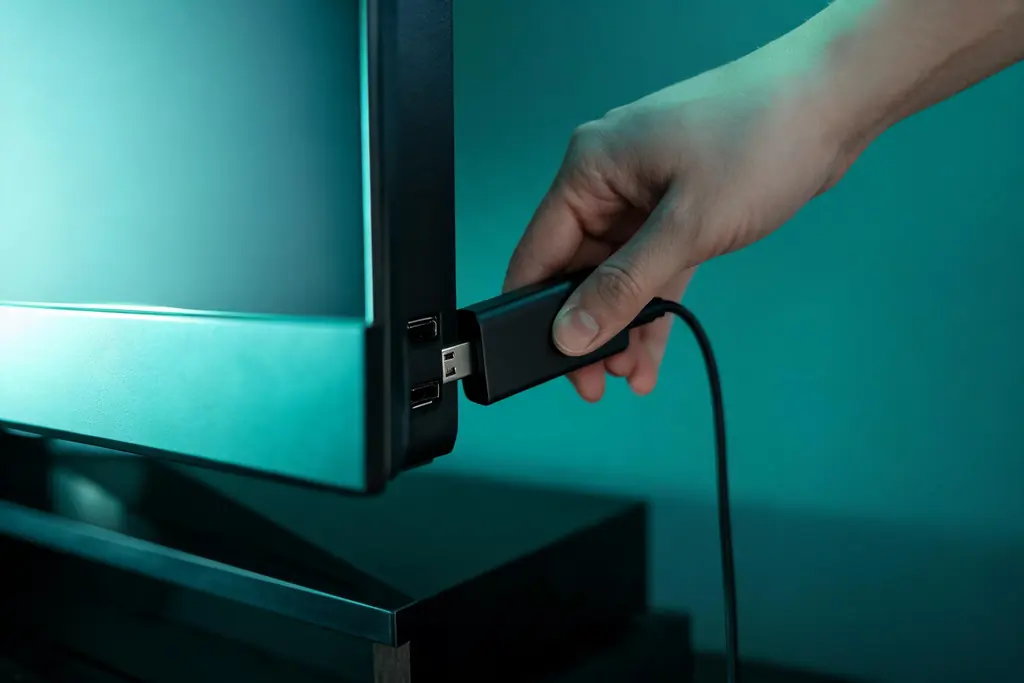
How the KezelTV login gets you watching
One login, one player, as many screens as the house owns. The guides below differ only in where each platform keeps its menus and how quickly it reaches the live channels.
The login lands in WhatsApp
Once you order, or once the 24-hour trial is approved, the chat gets a server URL, a username, a password and an M3U link, usually in under 15 minutes. MAG and Formuler boxes reverse the process: you message the MAC address, and we link that box to a portal.
You paste it into a player
Pick a free player for the screen you watch on, select its Xtream Codes option and type in the three values. IPTV Smarters Pro is the easy first pick, TiviMate suits anyone who plans the evening from the guide grid, while Samsung and LG televisions rely on store players like Smart IPTV.
Every screen at home can use it
Sticks, televisions, phones and laptops all take the same login, at no extra cost. Your plan decides how many of them stream together (1, 2, 3 or 5), the number that matters on a watch-party night.
Start from the screen you watch on
Each walkthrough names the real menus, gets you to the live channels and the guide quickly, and finishes on a familiar channel to prove it all works.
Firestick
Sideload a free player with Downloader, then pin it to the home row so live channels sit two clicks away (not on the Vega OS 4K Select).
Android TV
Play Store players, a favorites group for tonight and hidden country groups, so the live channels you want come first.
Samsung Smart TV
Tizen players by model year, registration by MAC address, and a short favorites list that keeps switching quick on the set.
LG Smart TV
webOS players, registration by MAC address, the Magic Remote arrow trick and a checklist to run before a big live night.
Apple TV and iPhone
Smarters Player Lite on each device, the Apple TV for the room, an iPhone as second screen, and captions for a loud party.
Roku
No sideloading and few players: what a Roku manages on a live night, mirroring as a stopgap, and the stick that fixes it.
Windows PC and Mac
Live channels in a corner window while you work, VLC for a one-minute test, and the browser check.
MAG and Formuler box
One MAC address, one portal URL, and a set-top box that wakes up on live channels with a real guide button.
Or begin with the player you prefer
Already settled on a player, or holding a device that asks for a login format by name? These pages cover the app instead of the hardware.
IPTV Smarters Pro
Our usual first recommendation: the Xtream login, the Live TV tile, the guide view and where catch-up sits on most builds.
TiviMate
The Android player built around the guide grid: the Xtream login, replay from the grid, and what Premium adds on live nights.
Smart IPTV (SIPTV)
Plain live TV on a Samsung or LG set with no box: registration by MAC, the one-time app fee, and where it stops.
Xtream Codes login
Server URL, username and password: how the three fields open live channels, the guide and replay, and how to keep them private.
M3U playlist
One long link that opens the line-up anywhere: a one-minute live check, the EPG address for the guide, and why it is a password.
Which player suits a KezelTV live night
We make none of these players, and each is free unless its row mentions a fee. Replay depends on the channel as well as the player: it only works where a channel keeps an archive, and archive length varies.
| Player | Cost, paid to its developer | Runs on | Guide and replay | Choose it when |
|---|---|---|---|---|
| IPTV Smarters Pro | Free | Android and Fire OS devices, Windows, macOS, and Apple devices under the name Smarters Player Lite | Guide view inside Live TV; replay on many builds | This is your first setup, or you want simple tiles |
| TiviMate | Free, with Premium sold separately | Fire OS sticks, Android boxes, Android TV and Google TV | Full guide grid; replay from the grid on archived channels | You plan evenings from the guide, or want multi-view and recording with Premium |
| Smart IPTV | A single activation fee | Samsung sets with Tizen 6.5+, LG sets with webOS 3.0+ | Basic guide; replay limited | The television has nothing plugged in and you just want live channels |
| MAG portal or MyTVOnline | Part of the box | Formuler receivers and MAG boxes | Guide button and grid; replay depends on the box software | Someone at home wants a box that behaves like cable |
| VLC | Free | Windows, Mac, Linux | No guide | You want a one-minute check that a channel is live |
A five-minute check before tonight
Most people skip this, which is how a guide running an hour late or a replay that never appears ends up surprising them at the worst moment.
Open a channel you know
Skip the first entry in the list. A channel you watch every week shows at once whether the picture and the sound are right, because you know how it ought to look.
Open the guide beside it
The program in the grid should match the one on screen. If the times are an hour adrift, set the time zone in the player and refresh; the KezelTV program guide page covers the offset.
Try one replay
On a channel that keeps an archive, go back to something that aired earlier today. How KezelTV catch-up works explains the archive marks and why some channels have none.
If a channel stutters during the evening rush but plays cleanly at lunchtime, a cable or a router restart usually cures it, and every guide above says where that matters most.
Try the whole setup on tonight’s line-up, free
Every plan carries the same 25,000+ live channels plus 120,000+ movies and series; one month is $15 and a full year $69. Nothing renews by itself, and a 7-day money-back guarantee covers a change of heart. The trial is a complete account, with no card asked for.
KezelTV setup and login, answered
Is there a KezelTV app or APK to download?
No. We have never released an app or APK on any platform, so a file passed around under our name is not ours. You receive a login instead, and you type it into a free player of your choosing, IPTV Smarters Pro, TiviMate or Smart IPTV for example. Our page explaining why KezelTV has no app of its own sets out the reasons.
Where does the KezelTV login arrive?
On WhatsApp, inside the conversation you used to order or to ask for the trial. As soon as payment is confirmed or the trial is approved, that chat receives a server URL, a username, a password and an M3U link, typically in under 15 minutes. MAG and Formuler boxes are the exception: you send us the MAC address and get a portal URL back.
How long does KezelTV setup take?
Five to ten minutes on most screens. You install a player, type three values and give the channel list and program guide up to a minute to arrive on the first run. TiviMate is worth half an hour if you shape its groups with Premium, and a MAG box needs a few extra minutes for us to add its MAC to the portal.
Which player is best for KezelTV on a first night?
IPTV Smarters Pro. It is free, installs on nearly every screen (Apple lists it as Smarters Player Lite) and puts Live TV on its first tile, so you are watching within minutes. TiviMate is the step up for anyone who plans evenings from the guide grid, while Smart IPTV looks after recent Samsung and LG televisions that have no box attached.
Can I use one KezelTV login on several devices?
Yes. Put the player on every device at home and enter the same three values on each. What the plan controls is how many screens stream together, one, two, three or five, so count the screens that will be on at your busiest moment, a watch party for instance, and pick the plan that covers it.
What if my KezelTV login is refused?
Look at the server URL first. The usual faults are a missing http or https at its start, a port number lost from its end, or a space autocorrect added. Paste the values rather than typing them, then try them on a phone. If every device refuses, send the exact entries in the WhatsApp chat and we will check them against the account.
Can someone set up KezelTV with me?
Yes, at any hour, through the WhatsApp chat. Say which screen and which player you have, and a person takes you through it one menu at a time while you hold the remote. The offer is most useful an hour before a big live night, when a stuck menu is the last thing anyone needs.