KezelTV in Smart IPTV: live channels straight from the TV

Smart IPTV is the plainest route to KezelTV on a Samsung or LG set that has nothing plugged into it: turn the TV on, open the app, choose a live channel. On Samsung it needs Tizen 6.5 or newer, in other words a 2022 or later model; on LG, webOS 3.0 or newer. There is no username or password to type. You link the playlist to the hardware address of the television through a web page instead, and the app developer asks a small activation fee, once, apart from your subscription.

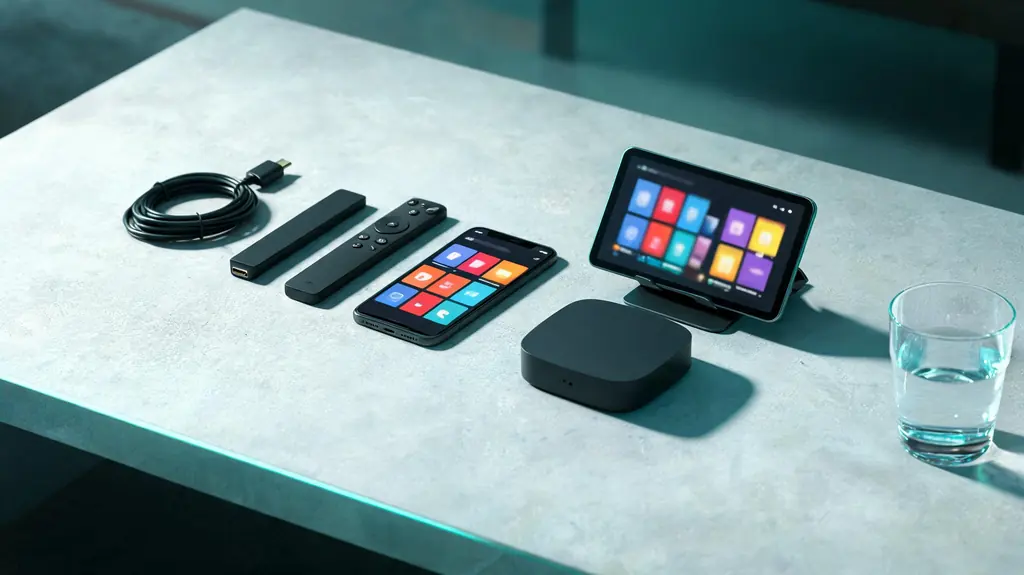
Phone, tablet, small TV box, streaming stick and two remotes spread across a living-room table
7 minutes, start to live

7 steps to a live channel in Smart IPTV (SIPTV)

Within reach before step one

  • A 2022-or-newer Samsung (Tizen 6.5+) or an LG set with webOS 3.0+
  • The MAC address the app displays
  • The KezelTV M3U link from your WhatsApp chat
  • A phone or computer for the registration page

Still waiting on a login? Ask for a free KezelTV trial: a complete account for 24 hours, and nobody asks for a card.

Guide an hour out, or a show you missed? See how the KezelTV program guide loads and which channels keep a catch-up archive.

  1. Know what it does best

    Smart IPTV is made for live television in its plainest form: a list of channels and a remote. It suits the person at home who wants to switch on and watch the evening news or a live show without learning any menus. Its guide is basic, catch-up and on-demand support are limited, and options during playback are few, so it serves simple live viewing better than browsing.

  2. Install it from the TV store

    Samsung owners search for Smart IPTV under Apps, where it appears for Tizen 6.5 and newer, so 2022 models and up. LG owners look in the LG Content Store, which offers it from webOS 3.0. Some regions still do not list it; there, a plug-in stick is the realistic way forward.

  3. Copy down the MAC address

    Open the app. Before any channels load, it shows the MAC address of the television and the address of its registration page. Write both down exactly; one swapped character means a set that loads nothing.

  4. Attach the playlist on the web page

    On a phone or computer, open the registration page, enter the MAC address and paste the KezelTV M3U link from your chat into the playlist field, then save. The one-time activation fee goes to the app developer, not to us. The playlist now belongs to this television.

  5. Reopen the app on the TV

    Shut the app down completely through the list of recent apps, since Home only hides it, and start it again. It fetches the playlist and builds the channel list, which takes about a minute on television hardware. If the MAC screen is still showing, the registration did not save.

  6. Arrange the channels for switching on and watching

    Hide the groups nobody opens, because the app scrolls slowly through a long list. Keep the channels you watch live near the top so that switching on in the evening takes two presses. If the guide matters on live nights, check how much of it this app shows on your set.

  7. Set the TV sound and test

    With few audio options in the app, the television settings do the work. Samsung puts the option in Settings, Sound, Expert Settings. LG puts it under Sound Out in the Sound menu, then Additional Settings. Choose pass-through for a soundbar that decodes and PCM for the television speakers, then open a familiar live channel and watch for a few minutes.

Snags and fixes

Live night snags in Smart IPTV (SIPTV), and what clears them

These are the hitches support hears about most on this player, each paired with the fix that usually ends it. When no screen in the house will play anything at all, the cause sits further up the line: go to the KezelTV not-working checklist instead.

Still on the MAC screen after registering

The registration did not save, usually because of a mistyped MAC. Compare the television screen with what you entered, character by character.

The playlist will not update

Force it shut from recent apps and relaunch; going back to Home leaves the old list in memory. TV apps hold on to stale data longer than phone apps do.

The app is not in my TV store

Usually an older set: it lists Samsung on Tizen 6.5 and later and LG on webOS 3.0 and later. Neither platform has a sideloading route worth recommending, so an external device is the answer.

It stopped working on a new TV

Your playlist is still linked to the previous television. Enter the replacement set and its MAC on the registration page; the developer, not us, decides whether the activation transfers.

Every channel buffers

Check whether the television reaches Wi-Fi from behind furniture. A cable to the set transforms the experience.

Only some groups appear

A simple player sometimes cuts a very long playlist short. An Xtream login on a fuller player brings the whole line-up in structured form.

Not signed up yet

Watch tonight on KezelTV, with the login in under 15 minutes

Each plan unlocks all 25,000+ live channels and 120,000+ movies and series, starting at $15 for one month or $69 for twelve, and none of them renews on its own. Rather look first? The 24-hour trial is a full account: open the guide in Smart IPTV (SIPTV), flick between the live channels you care about, and decide afterwards.

KezelTV in Smart IPTV (SIPTV), asked and answered

Can I use KezelTV in Smart IPTV on a pre-2022 Samsung?

Not in Smart IPTV, which starts at Tizen 6.5, the 2022 models. The login itself works on any television, so check whether the store on your older Samsung offers another player with an M3U or Xtream option, or add a streaming stick through a free HDMI socket.

Why does Smart IPTV charge a fee?

The developer of Smart IPTV charges a single activation fee for the app. That payment is theirs alone; we see none of it and cannot waive it, and it has no link to your subscription.

Does Smart IPTV show a program guide?

A basic one on many sets, and the detail varies with the television and the app version. If you plan evenings from a full guide grid, a stick with TiviMate or Smarters shows much more.

Can I register two televisions?

Yes. Each set gets registered by its own MAC. Your plan then decides whether the two can play together.

Does it support catch-up or the on-demand library?

Partly at best. A playlist carries less structure than an Xtream login, so replay and on-demand are limited. Live channels are where this app does its best work.

What if the developer stops supporting the app?

Nothing changes on your subscription. Switch that TV to another player, or plug in a small external device, and sign in with the same details.