Within reach before step one
- A phone, tablet, stick, Apple TV or computer (Android, Fire OS, Apple, Windows or macOS)
- Your KezelTV server URL, username and password
- The store or installer for that device
- Five minutes after sign-in to look around Live TV
Still waiting on a login? Ask for a free KezelTV trial: a complete account for 24 hours, and nobody asks for a card.
Guide an hour out, or a show you missed? See how the KezelTV program guide loads and which channels keep a catch-up archive.
Get the right edition for your device
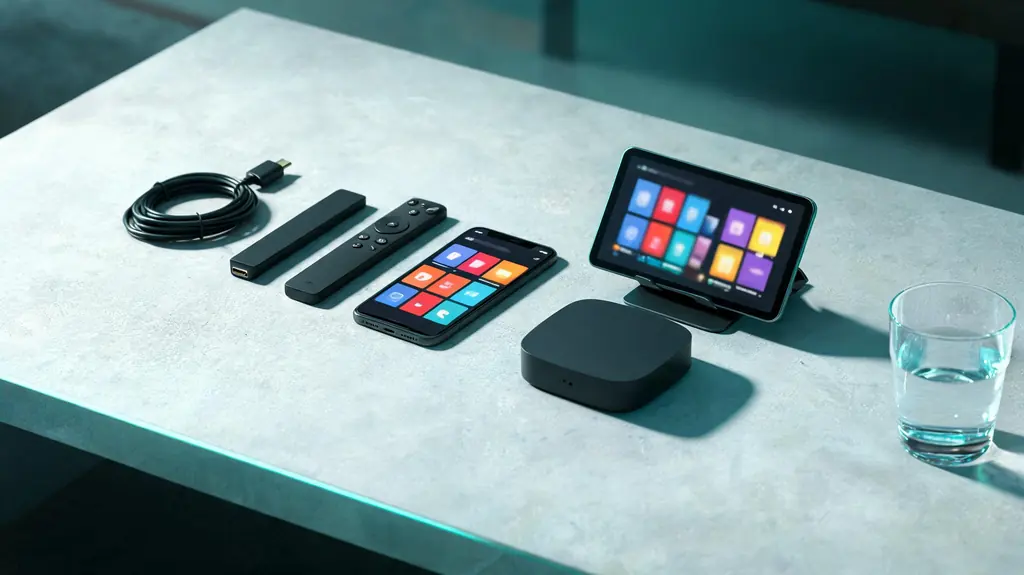
Android and Google TV install it from the Play Store. On iPhone, iPad and Apple TV it is listed as Smarters Player Lite, the same player family with a slightly different layout. Fire OS sticks install it through Downloader, as the Firestick guide explains; the one exception is the Vega OS model, the Fire TV Stick 4K Select, which cannot sideload. Windows and macOS have desktop builds on the developer site.
Choose Login with Xtream Codes API
On first launch, take the Xtream Codes option rather than the playlist one. Both reach the same channels, but the Xtream login also delivers the groups, the program guide, the on-demand sections and the catch-up flags that tell the player which channels keep an archive.
Enter the three values
The first field is a profile name of your choosing. Capital letters matter in the KezelTV username and password, and the server URL has to match exactly, including http or https at the start and any port number at the end. Copy from the chat where you can; most failed logins turn out to be a server URL with one character wrong.
Let the first load finish
The line-up and the guide need up to a minute on the first sign-in. Avoid pressing anything or restarting the app while it works. After this, launches take seconds.
Open Live TV and switch to the guide view
The Live TV tile lists channels by group. Most builds also offer a guide layout, showing what is on now and next across channels, from the menu inside Live TV. Use it to see what is airing tonight before you choose. If programs appear at the wrong times, set the time zone in the player settings.
Mark favorites and use search
Add the channels you watch live to favorites, usually with a long press on the channel or from its options, and they gather in a group of their own. The search box finds a channel by name in seconds, which beats scrolling a big list when something is about to begin.
Find catch-up, where your build has it
Some builds put replay on a home-screen tile where you pick the channel, the day and then the program; others open past programs from the guide inside Live TV. Either way it only works on channels that keep an archive, and archive length varies. Try it on a channel you watched yesterday so you know where it lives before you need it.
Switch the decoder if something stutters
The player settings usually include a choice between hardware and software decoding. If one device stutters on a channel that plays well elsewhere, switch it and try again; if everything is smooth, leave it alone.