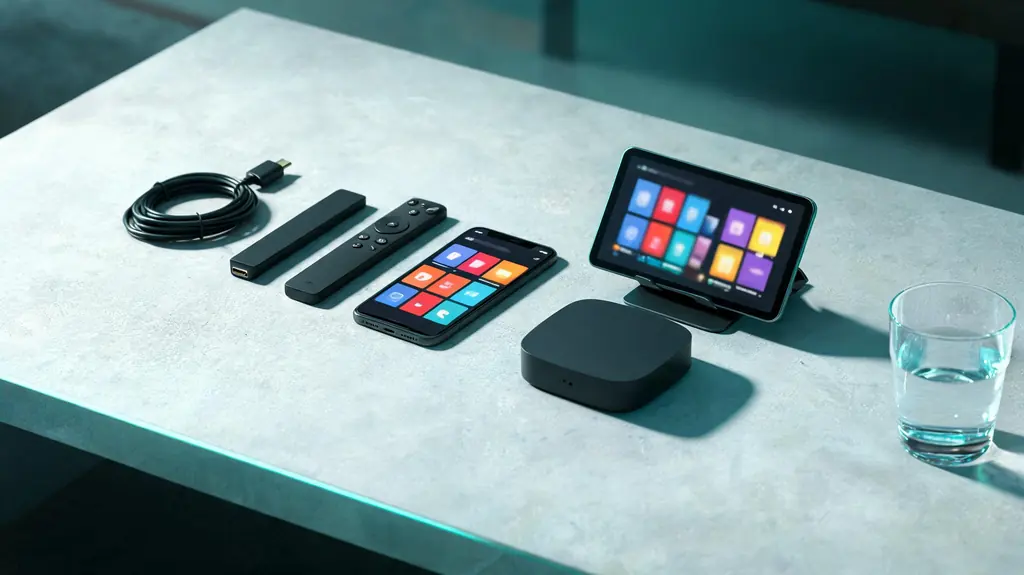
Within reach before step one
- A device on Android TV, Google TV or Fire OS, or an Android box
- Your KezelTV username, password and server URL
- About half an hour the first time
- Optionally, TiviMate Premium from its developer
Still waiting on a login? Ask for a free KezelTV trial: a complete account for 24 hours, and nobody asks for a card.
Guide an hour out, or a show you missed? See how the KezelTV program guide loads and which channels keep a catch-up archive.
Install it where it runs
Android TV and Google TV devices get TiviMate from the Play Store. On a Fire OS stick it goes on through Downloader, as described in the Firestick guide; on the Vega OS model, the Fire TV Stick 4K Select, it will not install. No version exists for Apple devices, Samsung or LG televisions, or computers.
Add the playlist as Xtream Codes
On first launch TiviMate asks for a playlist. Pick Xtream Codes rather than M3U and enter the KezelTV username, password and server URL. The Xtream route hands TiviMate the groups, the on-demand sections and the archive flags it relies on for replay.
Let the guide load completely
Once the channels are in, TiviMate downloads the program data, and on a line-up this size that part takes longer than the channels did. Let it finish. The result is a grid of what is on now and over the coming days, which is the whole point of this player.
Learn the grid
Open the guide: channels run down the side and time runs across. Highlight a program airing now to watch it, or one starting later to read its details. On a live night, this is how you see at a glance which channel carries the show everyone will be talking about tomorrow.
Replay from the grid where a channel keeps an archive
Channels with an archive usually carry a small mark in the grid. On those, scroll back past the current time, select a finished program and it plays from the start; many versions also offer to restart a program that is still on air. Archive length varies by channel and some keep none, so check the channels that matter to you.
Shape the list, free or Premium
The free version shows every group as it arrives. With Premium you can hide the groups nobody opens and build favorites from the channels you watch live, which for most households comes to between twenty and forty. Without Premium, jump by group rather than scrolling from the top.
Decide on Premium with a live night in mind
You buy Premium from the TiviMate developer, through its companion app, and they set its price and device terms; none of it comes to us. Multi-view puts two or more channels on screen together, handy when two live events overlap; recording keeps a program for later; several playlists and favorites tidy up the rest. Each channel playing in multi-view, and each recording, counts as a screen on your plan.
Test it on a real evening
Pick tonight in the grid, open a live channel, and check that the program names match what is playing. If they are an hour off, adjust the time zone or the guide offset in the settings. A grid that agrees with the screen means TiviMate is set and can be left alone.