The KezelTV Xtream Codes login, and what it opens

KezelTV sends you three things in WhatsApp, a server URL, a username and a password, and together they form what players call an Xtream Codes login. Almost every walkthrough here is built on them. For live viewing they beat a bare playlist link, because with them the player can ask the server for the program guide and for the list of channels that keep an archive, so the grid fills itself and replay shows up where a channel offers it.

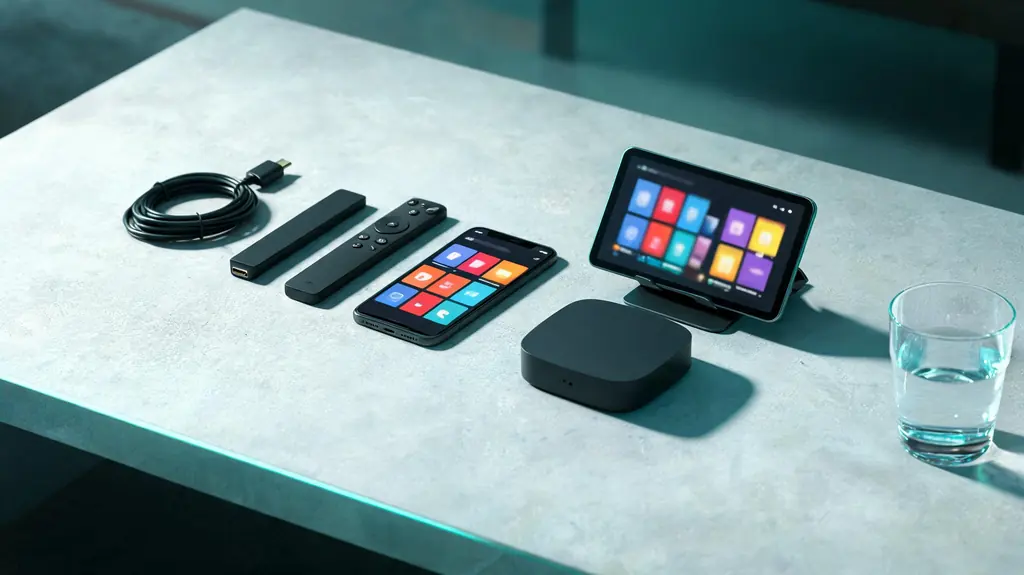
Phone, tablet, small TV box, streaming stick and two remotes spread across a living-room table
3 minutes, start to live

7 steps to a live channel with the Xtream Codes login

Within reach before step one

  • The three KezelTV values: server URL, username and password
  • A player with an Xtream Codes option, which most have
  • Nothing more

Still waiting on a login? Ask for a free KezelTV trial: a complete account for 24 hours, and nobody asks for a card.

Guide an hour out, or a show you missed? See how the KezelTV program guide loads and which channels keep a catch-up archive.

  1. Know what each field does

    The server URL points the player at the machine that serves your line-up; the username and password prove the account is yours. Any player offering Xtream Codes wants precisely these three, which is why the second, third and fourth device each take a couple of minutes once the first is done.

  2. Choose it over the playlist

    The same account can be loaded as an M3U playlist, with identical channels. The gap appears on a live night: the Xtream login gives the player structured groups, the program guide, the on-demand categories and the archive flags for replay. A playlist is just a long column of stream links and usually brings none of that along.

  3. Type it exactly

    The server URL must include http or https at the start and any port number at the end. Username and password are case sensitive. Paste where you can; where you cannot, look at the last character of each field, where autocorrect likes to add a space. Between them, those two slips cause nearly every failed login we see.

  4. Know the two requests behind it

    Under the hood, the player requests get.php for the line-up and xmltv.php for the guide, adding your username and password to each address. Typing them yourself is never needed. Still, if a player has two boxes, one for a playlist and one for an EPG, these are what it is after, and we can send both.

  5. Keep it private

    Whoever has the three values has your account, and the complete playlist address spells out the username and password in plain view. Never post them in a forum, a review or an uncropped screenshot when asking for help. It is the most common way accounts get misused, and the easiest to prevent.

  6. Use it on every screen at home

    One login serves the stick, the box, the Apple TV, the phones and the laptop alike, and adding it to more devices is free. The limit is how many play at once, the figure worth checking before you invite people round for a watch party.

  7. Test in the simplest place first

    When a screen goes quiet, try the identical values on a phone or a browser player. Success there clears the account and puts the spotlight on the device; failure everywhere means it is time to message us the values you typed. Most problems are settled by this one comparison within minutes.

Snags and fixes

Live night snags with the Xtream Codes login, and what clears them

These are the hitches support hears about most on this kind of login, each paired with the fix that usually ends it. When no screen in the house will play anything at all, the cause sits further up the line: go to the KezelTV not-working checklist instead.

The server URL is rejected

Check the scheme and the port: a missing http at the start or a dropped port at the end looks, from your side, exactly like a wrong password.

It works on the phone but not on the TV

So the account works and the details on the television do not match. Type them again on the TV with an eye on autocorrect, and confirm the set has a network connection.

Channels play but the guide is empty

Channels arrived but program data did not. Use the refresh option for the guide in the player settings, and message us if the grid remains blank.

I posted my playlist link in public

Message us right away so we can issue new credentials; anyone reading that link can see your username and password.

A device says the account is in use

Every screen your plan covers is already playing. Close one stream, or ask in the chat about moving to more screens.

Not signed up yet

Watch tonight on KezelTV, with the login in under 15 minutes

Each plan unlocks all 25,000+ live channels and 120,000+ movies and series, starting at $15 for one month or $69 for twelve, and none of them renews on its own. Rather look first? The 24-hour trial is a full account: open the guide on whichever screen you use, flick between the live channels you care about, and decide afterwards.

KezelTV with the Xtream Codes login, asked and answered

Where do I find my KezelTV login details?

Look in WhatsApp, in the conversation you used to order or to request the trial. After payment goes through or the trial gets the go-ahead, the server URL, username, password and M3U link arrive in that chat, normally in under 15 minutes. Deleted the message by mistake? Ask in the same conversation for a fresh copy.

How does an Xtream login differ from an M3U link?

Xtream hands the player structure: groups, the guide, on-demand categories and replay flags. M3U is one long list of stream links. The channels are the same either way, but only Xtream makes a live evening easy to find your way around.

Can I change my password?

Yes, just ask on WhatsApp. Every device then needs the new password typed in, a two-minute job, and a sensible one if the old password may have been seen.

Do the values change when I renew?

No. A renewal adds time to the existing account, so nothing on your screens needs changing. The server URL is rarely updated, and we warn you on WhatsApp before it ever is.

Can two homes share one login?

No. One account belongs to one household. Plans with two, three or five screens are the way to cover several televisions in that household at the same time.

Can I see how many screens are playing?

The player cannot show it, since each one sees only its own stream. Ask us on WhatsApp for a look at the account, the fastest way to solve an account-in-use mystery.

What happens when the term ends?

The login stops working and the details are held for a while. Renewing extends the same account; leave it long enough and a new term comes with new values.