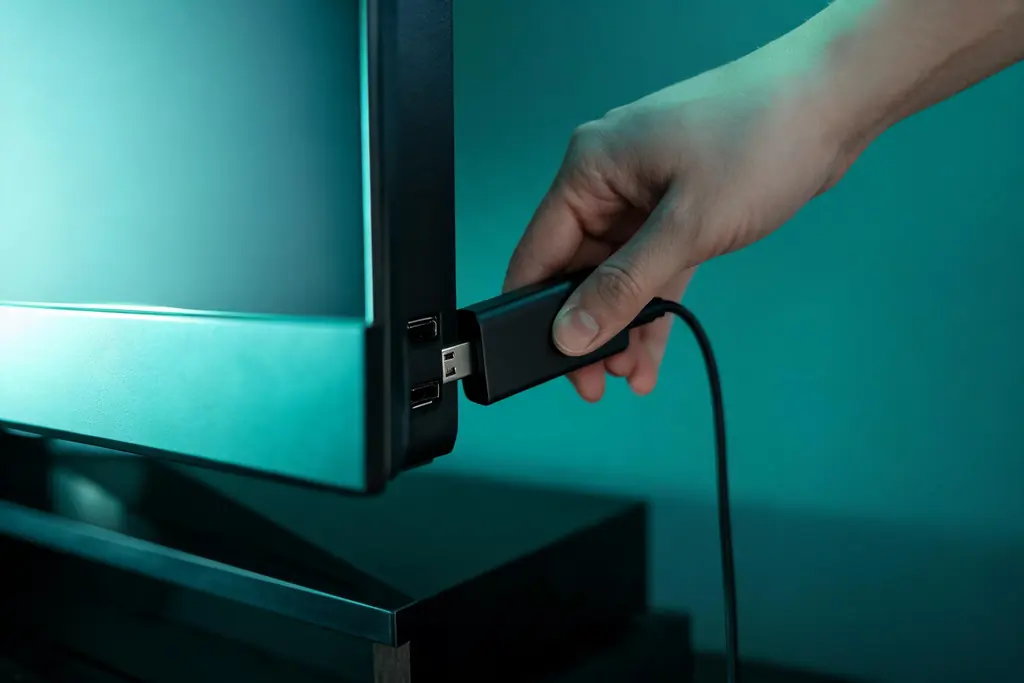
Within reach before step one
- An Android 7 or newer device: Android TV, Google TV or a box
- Your KezelTV server URL, username and password from WhatsApp
- The Google account the device already uses
- A rough list of the channels your household watches live
Still waiting on a login? Ask for a free KezelTV trial: a complete account for 24 hours, and nobody asks for a card.
Guide an hour out, or a show you missed? See how the KezelTV program guide loads and which channels keep a catch-up archive.
Identify the Android you have
A Google TV home screen is full of suggestions, classic Android TV shows rows of apps, and a budget box often runs a phone-style Android beneath a custom launcher. The first two get players from the Play Store in a minute. The third may need a file manager and an installer file, and it tends to crawl through a long list, which makes the favorites step below even more worthwhile.
Install from the Play Store on the TV itself
Search the Play Store on the television rather than on your phone, because the phone and TV editions of an app are not always the same package. IPTV Smarters Pro is the easy first pick; TiviMate is the one to choose if you already know you will browse by the guide grid. Install it and keep it closed for the moment.
Sign in with the Xtream Codes details
Open the player, select the Xtream Codes option and enter the username, password and server URL from your KezelTV chat. The server URL is where one missing character tends to hide, and the error it causes looks just like a wrong password, so read the end of it before pressing sign in.
Wait while the line-up and guide load
Allow up to a minute for the first download, during which the screen can seem stuck. Leave it be. Once it completes, the groups show up and the program guide begins filling in; from then on the player keeps the list stored and refreshes it on request or on its own schedule.
Hide the groups nobody opens
Walk through the group list once with the household in mind. Country groups in languages nobody speaks, adult groups where there are children, categories no one will browse: hide them. In TiviMate, hiding groups is one of the Premium features sold by its developer, while most Smarters builds let you hide categories from their settings. A shorter list makes every evening quicker.
Build a favorites group for tonight
Open Live TV and add the twenty or so channels you turn to when something is on live: the entertainment networks, the music channels, a news channel for the big nights, and the sports channels if the house follows a team. On most players a long press on a channel, or its options menu, adds it to favorites. When a live show is about to begin, favorites get you there in two clicks instead of a long scroll.
Check playback, guide and sound once
Open a favorite you know well, let it play for a minute and bring up the guide to confirm the program name matches the picture. Then think about the sound: in the device settings under Display and Sound, pick pass-through when a soundbar or receiver decodes the audio, or PCM when the television speakers do. A steady picture, a correct guide and ordinary sound mean you are finished.